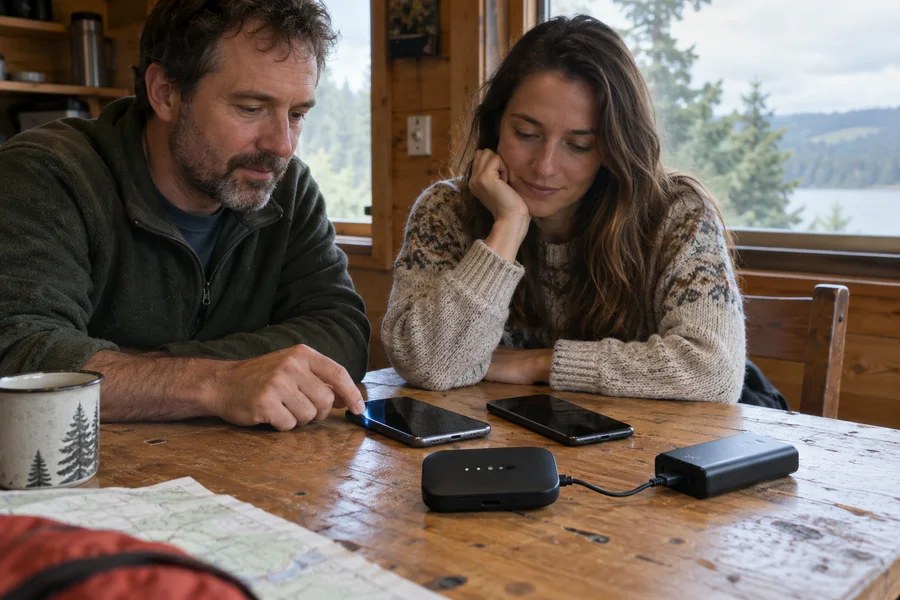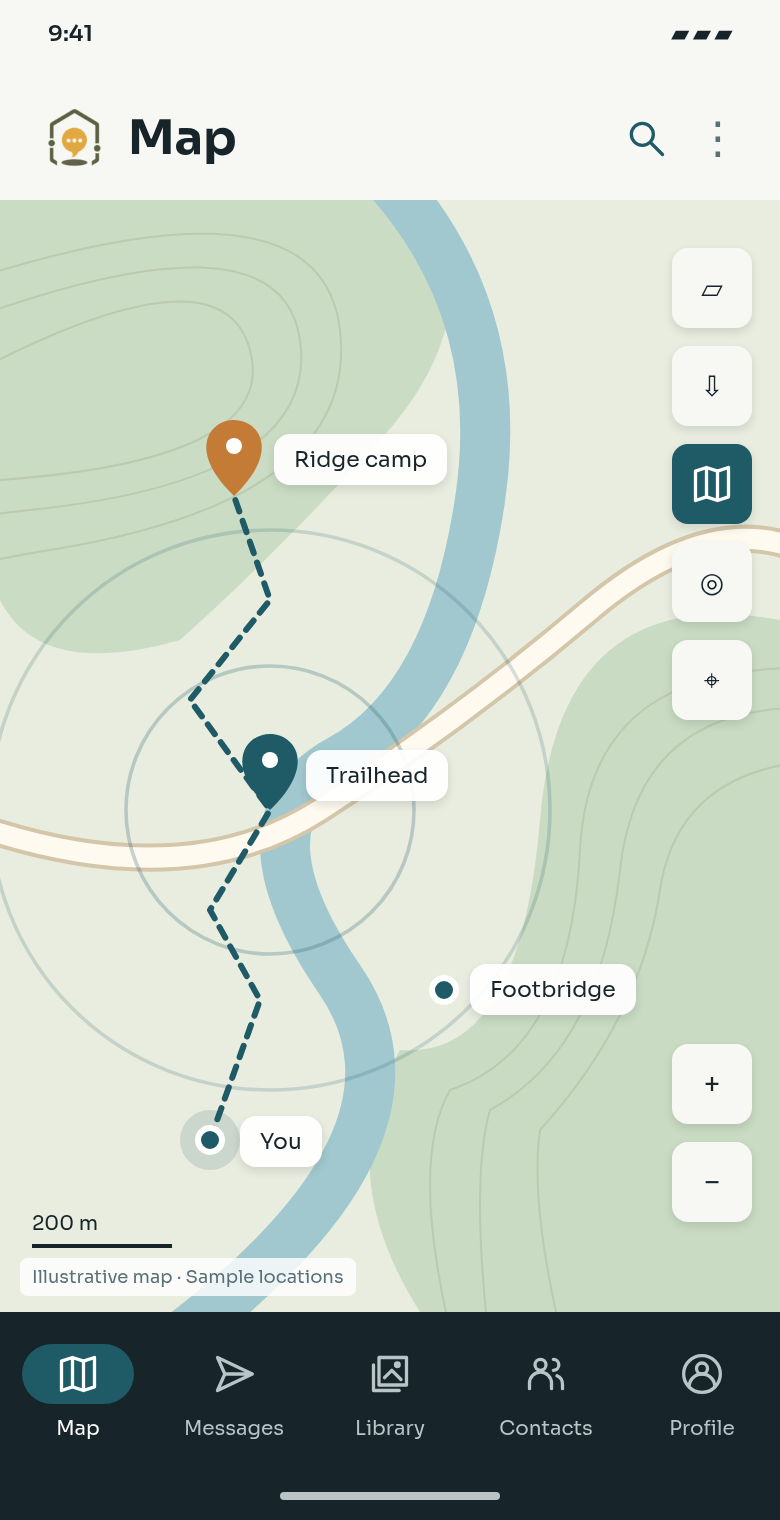
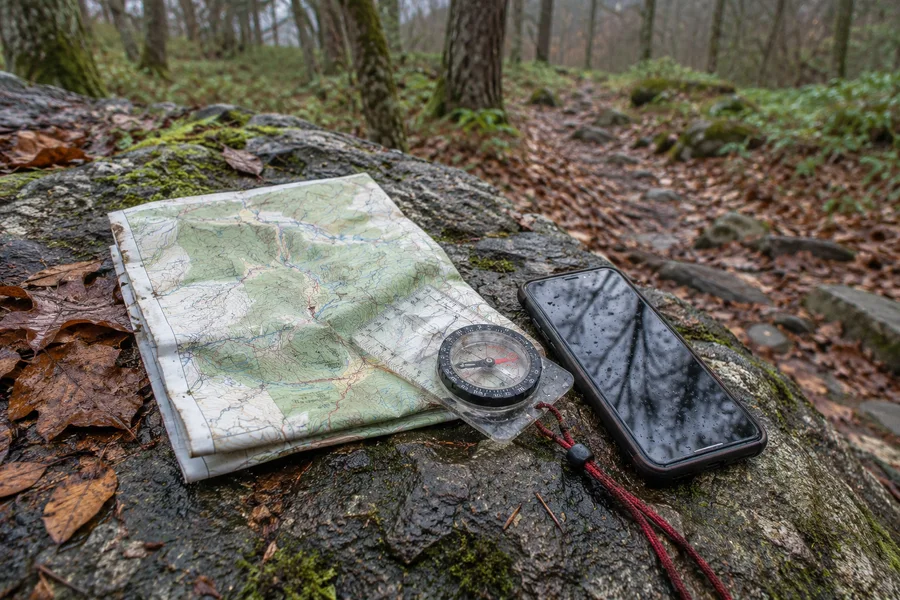
Offline maps
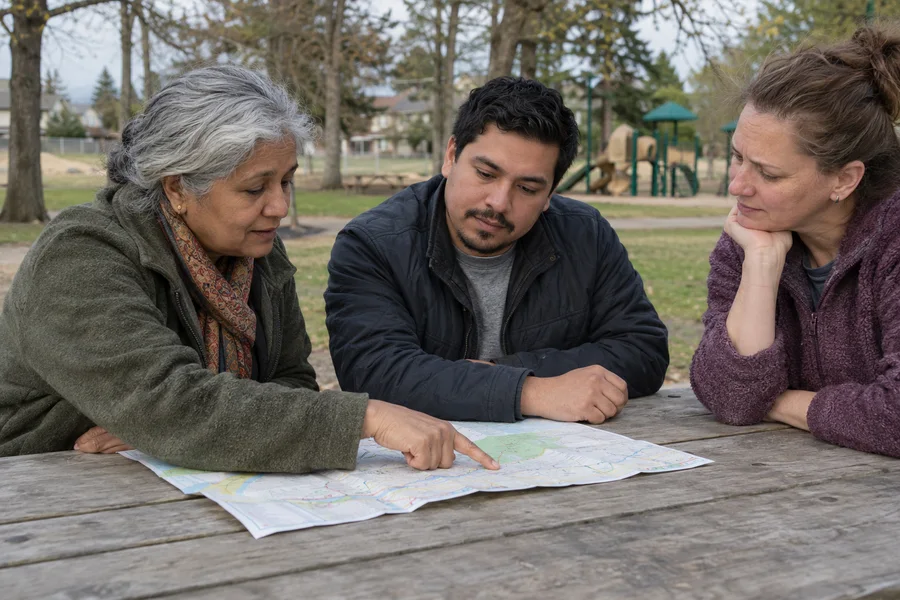
Download regions, mark places, attach photos, and share coordinates.
- Map packs
- Markers + routes

Resilience, facilitated.
Offline maps, local knowledge in an encrypted library, end-to-end encrypted chat, and coordination—in one app.
Download regions, mark places, attach photos, and share coordinates.
Share check-ins, meeting points, map context, and tasks.
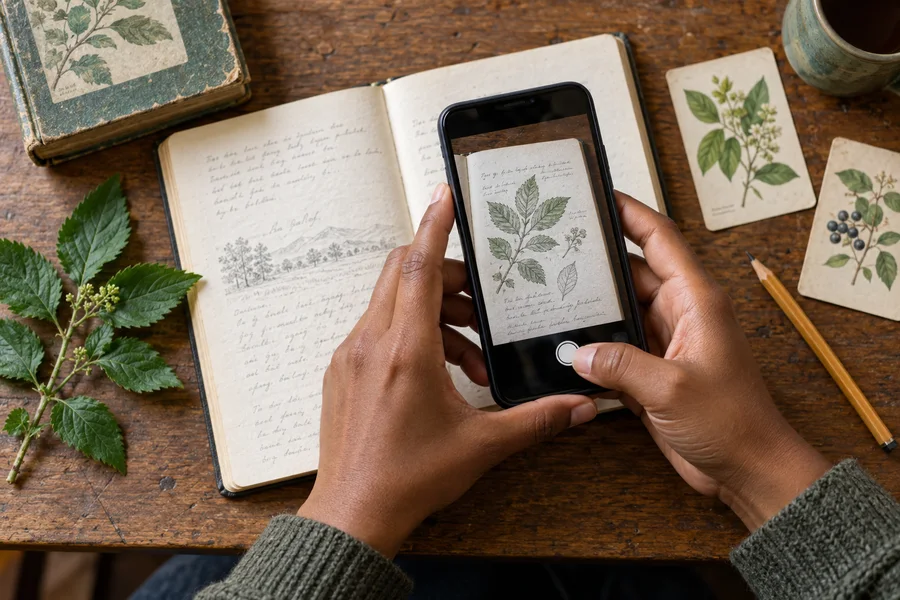
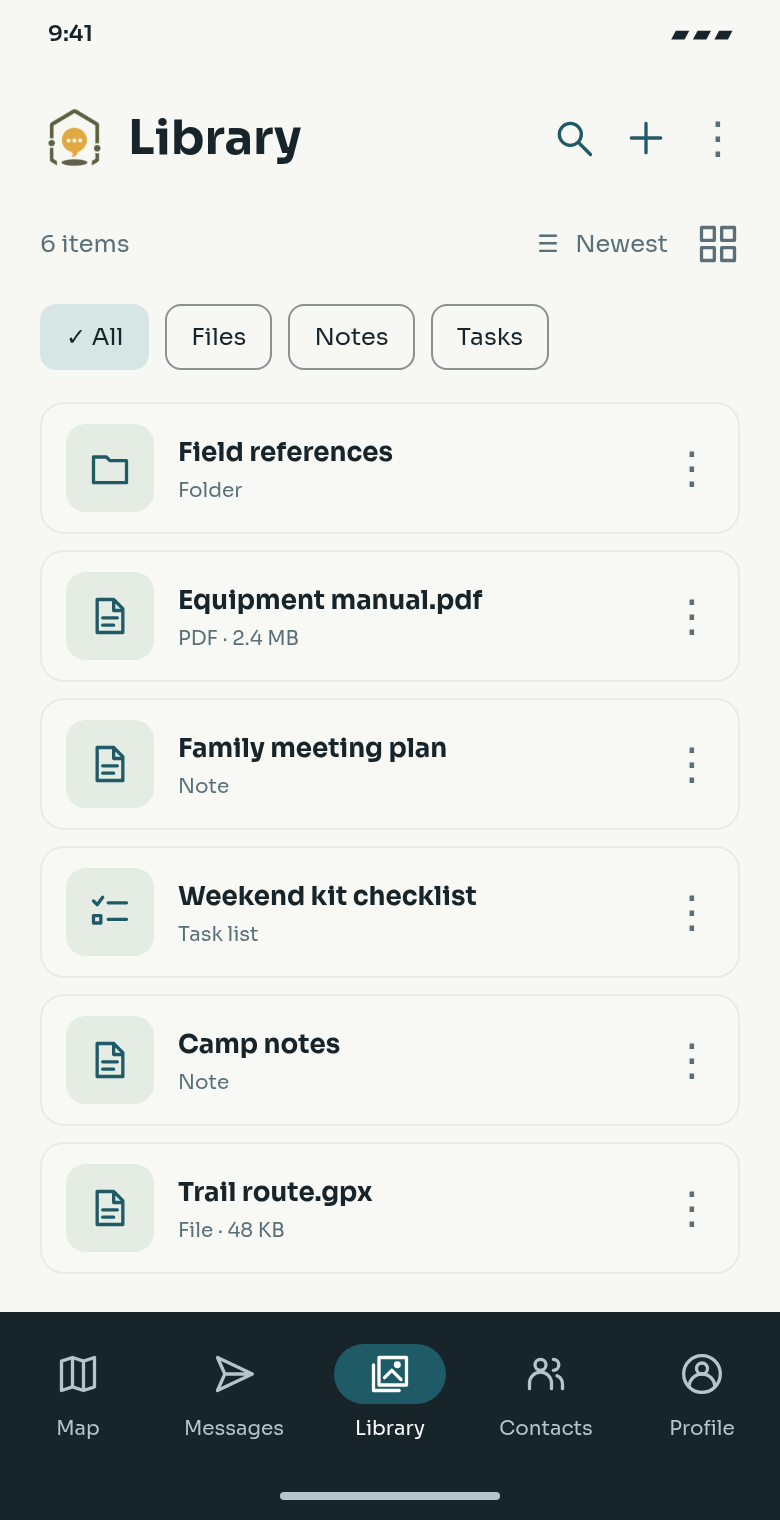
Keep paper notes and practical knowledge as photos, notes and files—available offline.
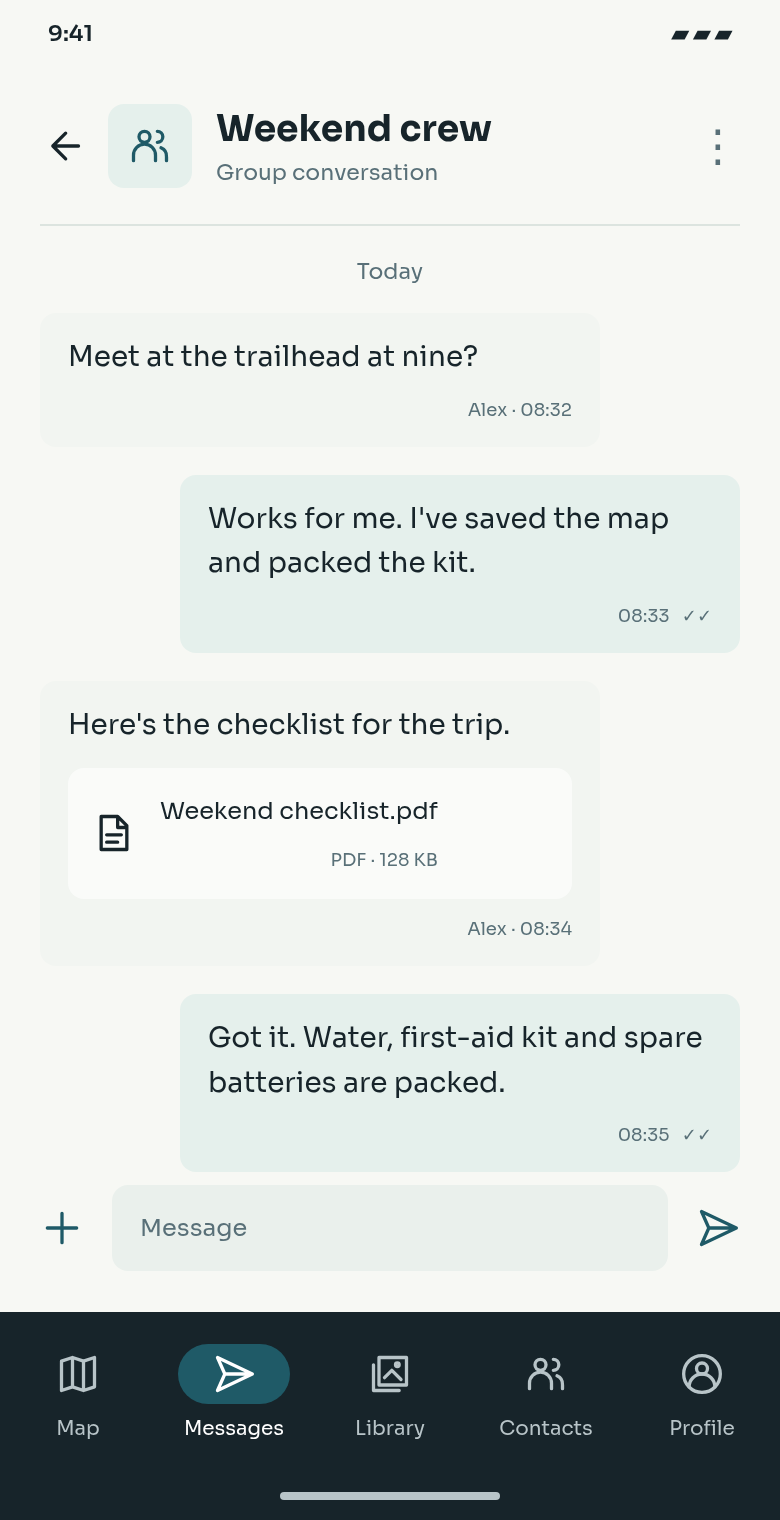
Send private messages, media, files, and locations.
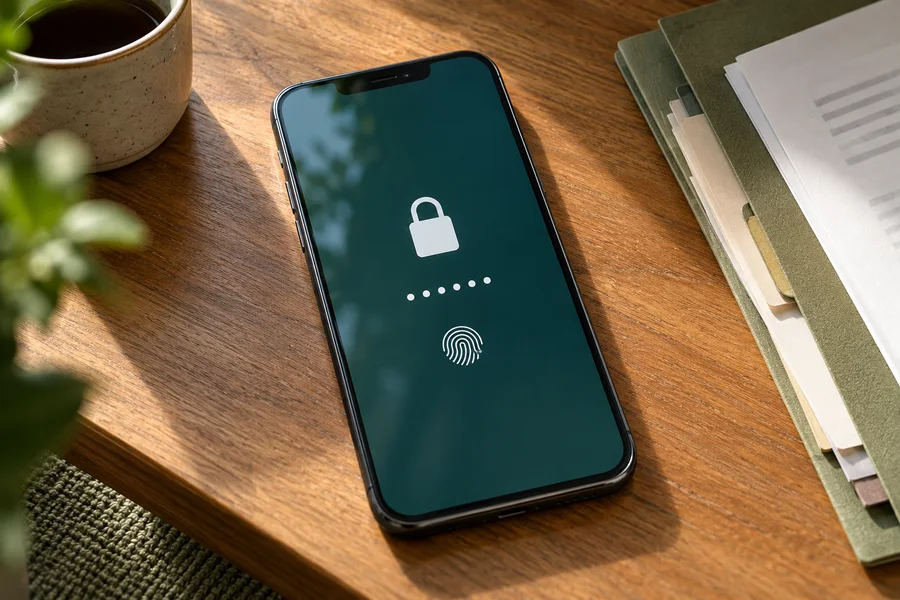
Protect local data with a vault, passphrase, and biometrics.
Sync online, transfer directly on LAN, or store and forward.
Find a guide. Check your supplies. Share the next step.
Planned toolkit. Basic search, guides, and calculators will work without AI or a cloud account.
Search manuals and scans with local OCR, editable tags, and source-page links.
Reviewed guides, checklists, calculators, and manuals linked to your equipment.
See sources and update dates. Link guidance to maps, tasks, and conversations.
Check what is saved offline. Import, export, and resume verified packs through drives or local hubs.
Chat, map, and keep related files together.
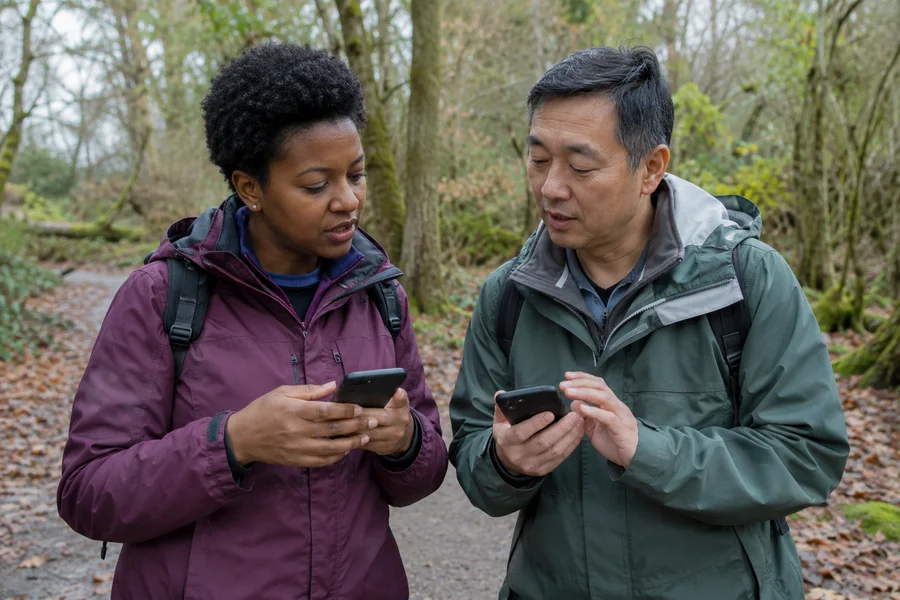
Coordinate groups with locations, markers, and tasks.
Move compact messages through peers or radio gateways.
Implemented on Android for testing. Desktop radio chat and iOS support remain planned.
Connect your own radio over BLE or USB on Android. Direct messages and channels have previews, unread indicators and saved local history.
Renxil Code turns check-ins, requests for help, shared locations and hazard reports into readable cards in normal and radio chats.
Share a dropped pin, saved marker or current location through the same picker in normal and radio chats. Tap the preview to explore the location.
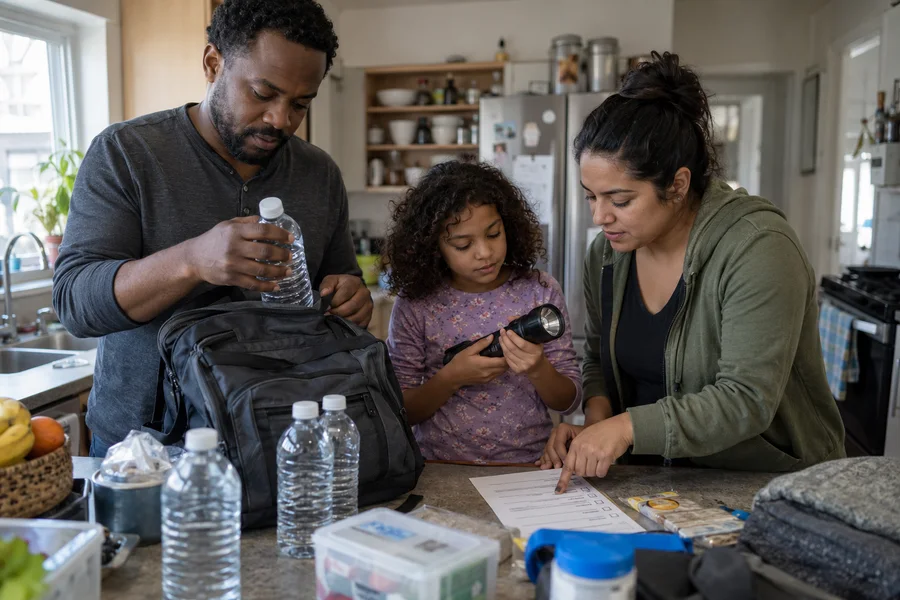
Create or import kits in the Android Library. Track quantities, weight, expiry dates, notes and assignments, and open shared kits from contact or group chats.
Meshtastic channels use radio configuration and keys, not Renxil group membership or Renxil chat encryption. Delivery is not guaranteed.
Explore mobile featuresInternet, nearby networks, or compatible radio gateways.
Fast delivery and encrypted media when connected.
Prefer direct transfer when peers are close.
Android test builds connect to your radio over BLE or USB for direct messages and channels.
Encrypted messages. Protected local files. Cloud optional.